








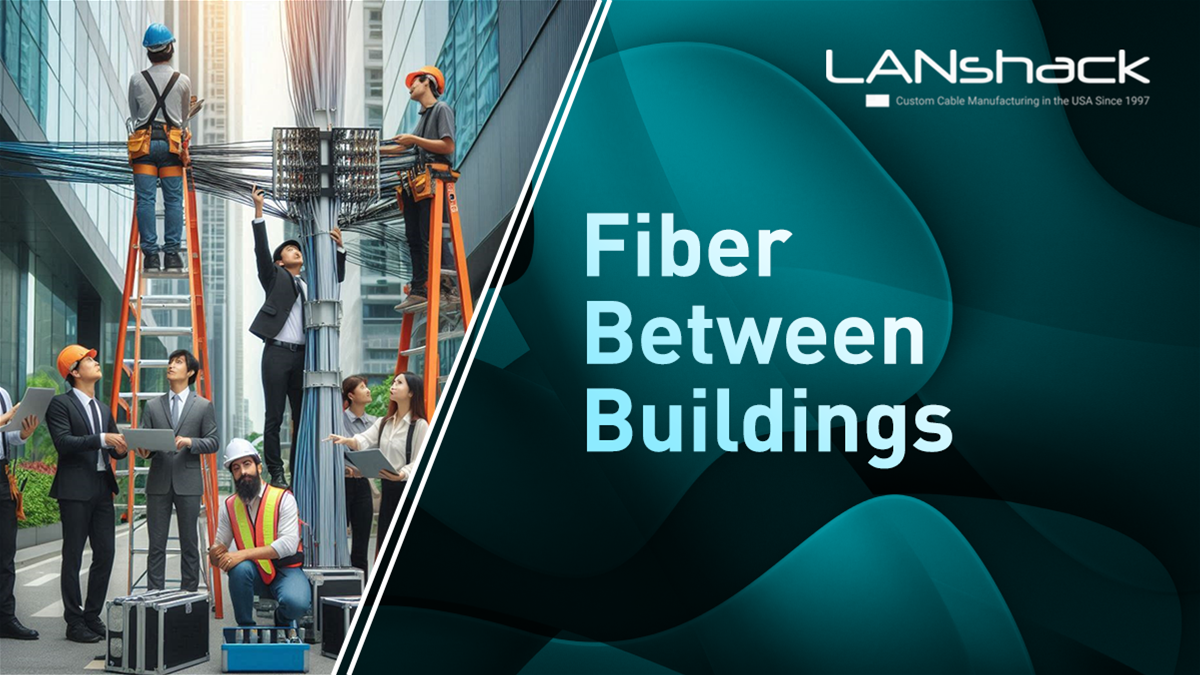


When installing fiber optic cable between two buildings, it’s essential to understand the type of fiber used, its performance, and how it interacts with other network components like patch cables and SFPs (Small Form-factor Pluggables).
A common question is: How do we identify the type of fiber cable that has been installed and ensure we’re maximizing network performance?
Breaking Down the Fiber Cable Markings
In this case, we’re analyzing a Corning cable with the following markings:
-
D1130 FEET: This marking indicates the length of the cable, measured at intervals. It's useful to know how much fiber has been installed.
-
Corning Optic Cable: Corning is a well-known brand for high-quality fiber optic products.
-
06-05: This could be a manufacturing date or batch number, typically not critical for network performance.
-
12 MM50: This refers to a 12-strand Multimode (MM) fiber cable with a 50-micron core size. Typically, fiber cables will also be marked with OM1, OM3, OM4, or OM5, which represent different types of multimode fiber with varying performance characteristics.
Multimode fiber allows multiple light modes to propagate through the cable. In this setup, the user initially assumed they had a Multimode cable but later realized Single Mode (SM) SFPs and patch cables were being used.
Can You Mix Single Mode and Multimode?
Interestingly, Single Mode equipment can be run over Multimode fiber, but it’s not ideal for distance or performance optimization.
Single Mode Fiber (SMF):
Designed to handle light of a single wavelength, typically 1310nm or 1550nm, Single Mode fiber is excellent for long-distance transmissions. However, each fiber type has different core sizes and is optimized for different wavelengths. Trying to align the core sizes between Multimode and Single Mode can cause significant signal loss and potential network failure. When Single Mode light is launched into a Multimode cable, the misalignment leads to light refraction, which increases attenuation and degrades signal quality.
Multimode Fiber (MMF):
With a larger core size, Multimode fiber supports multiple light paths or modes but over shorter distances, typically up to 500-600 meters at higher speeds. This shorter distance is due to the light bouncing around inside the larger core, causing it to lose velocity faster than in Single Mode fiber.
Featured Products
Mixing Single Mode SFPs with Multimode fiber can work for short distances, but there’s a risk of signal degradation. The biggest challenge is the difference in wavelength handling and core size, as the light exiting a Multimode cable will refract when it enters the Single Mode cable, leading to losses.
Fiber Speed and Performance Considerations
In terms of speed, the setup in question likely supports 1Gbps over 600 feet and 10Gbps over 150 feet with the proper Multimode lasers. For future-proofing, it's recommended to switch to OM3 or OM4 fiber, which can handle higher speeds and longer distances more efficiently.
Matching Components for Better Performance
To ensure optimal performance, it's vital to match the cable type (SMF or MMF) with the correct SFPs and patch cables. In this case, Single Mode SFPs were in use with Multimode fiber, leading to potential signal loss. Switching to Multimode SFPs and OM3 or OM4 patch cables would better align with the installed fiber and reduce losses.
SFPs and patch cables must always match the installed fiber. For Multimode fiber, use Multimode SFPs and patch cables. For Single Mode fiber, use Single Mode SFPs and patch cables.
Conclusion
When troubleshooting fiber installations, it's essential to identify the type of fiber you're working with and ensure compatibility across all components. In this case, the use of Single Mode SFPs over Multimode cable works but may lead to signal loss over time. Switching to matching Multimode components will optimize network performance.
Key takeaways:
-
Match fiber types: Always ensure that SFPs and patch cables are compatible with the installed fiber.
-
Multimode cable distances: Multimode fiber supports up to 600 feet at 1Gbps and 150 feet at 10Gbps, but using OM3 or OM4 cables is better for future-proofing.
For an easier breakdown, you can check out this chart for the different fiber core types

Understanding these considerations ensures your network remains high-performing, especially when connecting buildings.