








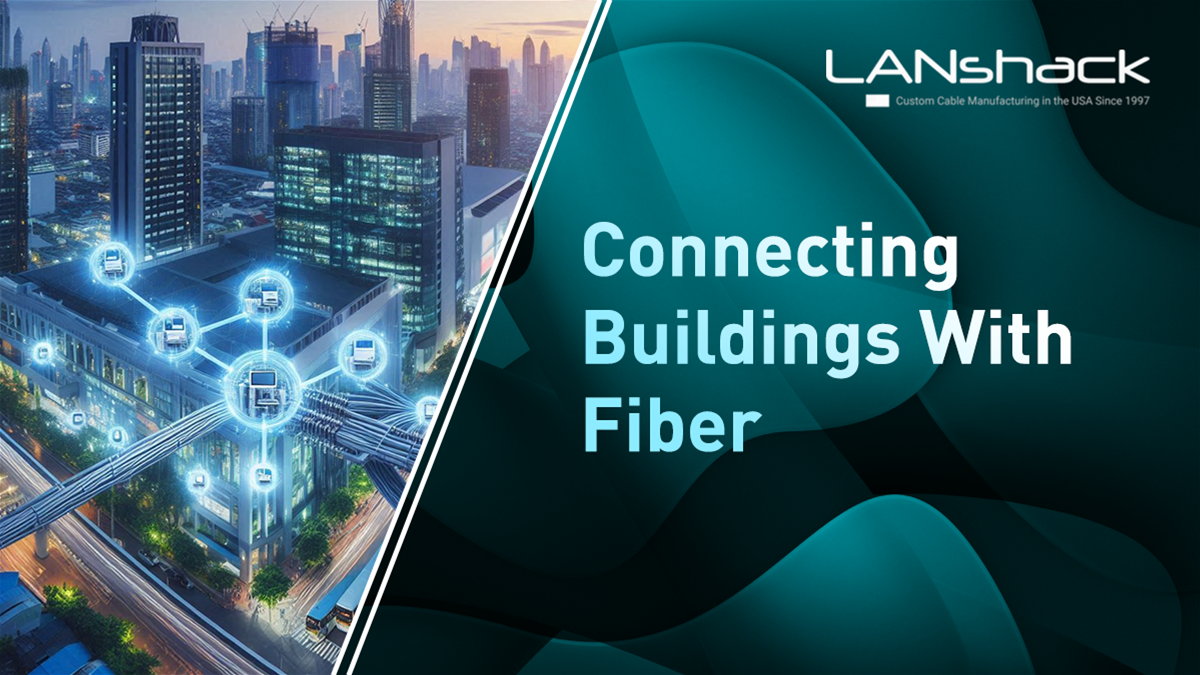


When managing a multi-building setup, especially for security systems, creating a unified network becomes crucial. If you're looking to connect several buildings and centralize security camera operations, it's important to understand how to leverage fiber optic technology to establish reliable and efficient connectivity.
In this case, the user aims to connect up to 16 buildings, each with its own security cameras, Comcast internet line, and Network Video Recorder (NVR). The goal is to replace individual NVRs with a master NVR, centralize internet access, and connect all buildings on the same network.
Here's a step-by-step breakdown of how to achieve this.
Step 1: Replacing Local NVRs with a Centralized Solution
Since each building currently has its own NVR, the user plans to:
-
Place a PoE switch (Power over Ethernet) in each building.
-
Connect all the cameras within each building to the respective PoE switch.
-
Run fiber optic cable to link all the PoE switches, connecting the entire system to a centralized NVR and a single Comcast internet line.
This strategy simplifies network management and reduces the costs associated with multiple internet services.
Step 2: Network Topology: Star vs. Daisy Chain
One major question is whether to run fiber in a star topology or a daisy chain configuration.
-
Star Topology: This involves running each building’s fiber optic connection back to a central location, creating a hub-and-spoke design. This method is more reliable, as each building has a direct connection to the central hub, and a failure in one link won’t disrupt the entire network.
-
Daisy Chain Topology: In this configuration, the fiber runs from one building to the next, linking them in sequence. While this method is easier to implement, it introduces more points of failure—if one link or switch fails, all buildings downstream could lose connectivity. Even with redundancy, like using a ring topology, only one fault can be tolerated before risking network segmentation.
The star topology is generally more robust and recommended for long-term reliability, particularly in large multi-building setups like this.
Step 3: Choosing the Right Fiber Optic Cable
When selecting fiber for outdoor installations, Single Mode fiber is typically the best option for longer distances. While Multimode fiber can work for shorter runs, Single Mode is standard for exterior use due to its ability to handle longer distances (up to several kilometers). Here's what to consider:
-
Distance: The buildings range from 100 to 600 feet apart, making fiber essential since Ethernet (CAT6) has a maximum effective distance of around 328 feet (100 meters). For this distance, Single Mode fiber provides future-proofing and better performance.
-
Core Size: Fiber cables use two strands for each connection—one for transmit and one for receive. Given that labor and infrastructure (e.g., ducts or conduits) are the most significant expenses, it’s wise to install more fibers than needed initially. For example, 12-strand or 24-strand fiber cables are commonly used, allowing for multiple connections and easy expansion.
-
Installation: If the cable will be buried or installed in an outdoor environment, ensure it’s rated for outdoor use, with weather-resistant sheathing. If running through conduits, future upgrades will be easier, as additional cables can be pulled through the ducts without needing new trenching or labor.
Step 4: Selecting Switches and SFPs
To connect the fiber to the PoE switches in each building, you’ll need to choose the right equipment:
Featured Products
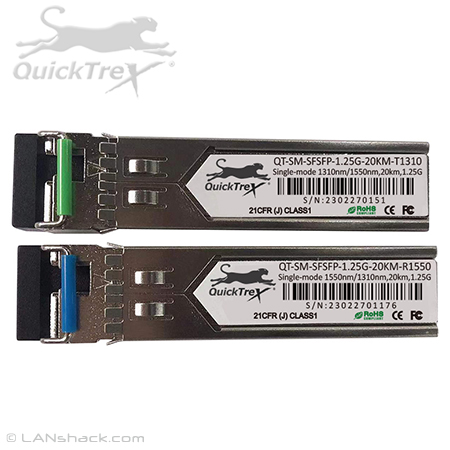
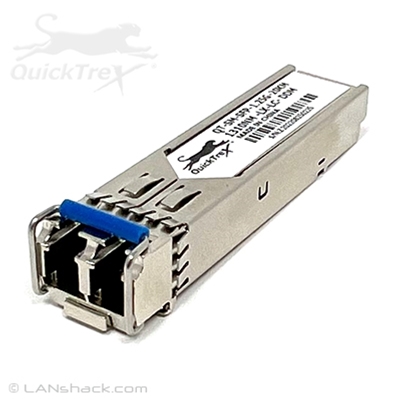
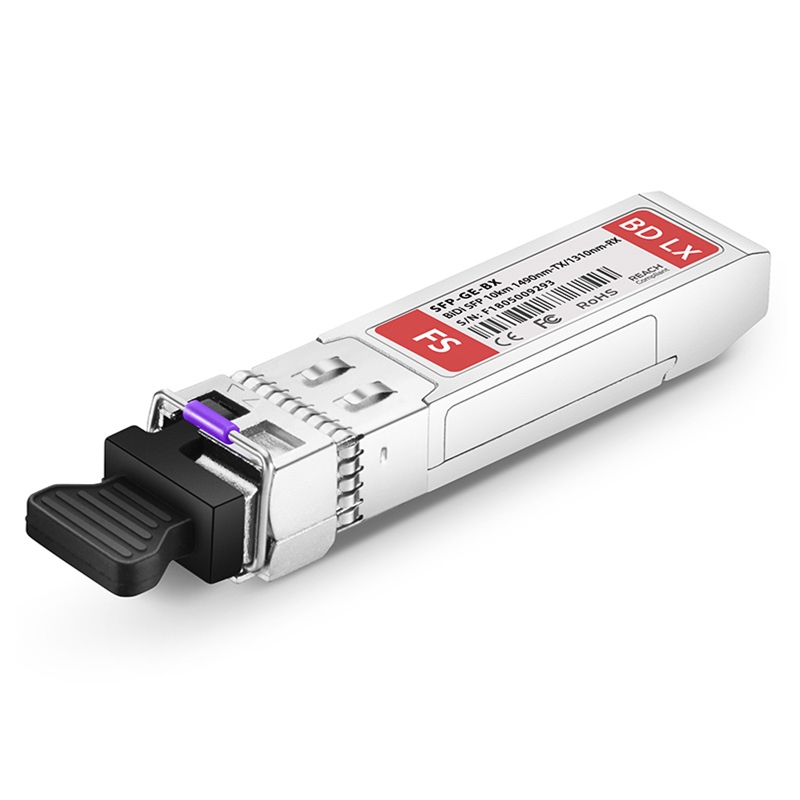
Cisco GLC-BX-D and GLC-BX-U
-
Switches: Many users recommend reliable brands such as QuickTreX,simplify camera installations since they power the cameras through the same Ethernet cable used for data transmission.
-
Fiber Adapters: Standard PoE switches can be connected to fiber using SFP (Small Form-factor Pluggable) modules. These adapters allow the switches to connect to Single Mode fiber, ensuring you can bridge the fiber network to each building’s PoE switch easily.
-
Speed: While the user mentions that 1Gbps is sufficient for this application, consider running 10Gbps connections between buildings if possible, especially since cameras are bandwidth-intensive. Investing in faster backbone connections now can save time and money in future upgrades.
Step 5: Plan for Future Growth
Always plan for future expansion. Running extra fibers now can save significant costs down the road. For example, pulling a 48-strand fiber cable will give you 24 usable pairs, more than enough for future-proofing, without adding much to the cost compared to a smaller 12-strand or 24-strand cable.
Additional Considerations
-
Wireless Alternatives: If running fiber isn’t feasible due to physical obstructions or costs, you could explore wireless solutions. For example, outdoor wireless access points can be set up in a point-to-multipoint configuration. This can work for line-of-sight installations but might introduce latency and bandwidth issues depending on the environment.
-
Redundancy: Ensure there’s a backup in case of failure. For instance, setting up two core locations and running diverse fiber routes from each building to these locations can provide redundancy. If one route fails, traffic can continue via the alternate route.
-
Cost and Labor: Fiber installation, while more expensive than Ethernet, offers better performance and scalability. The significant costs are typically associated with trenching, ductwork, and labor. Therefore, pulling more fiber than you need now will reduce future costs if additional capacity is required.
Conclusion
Connecting multiple buildings with fiber optic cable for a unified security camera network is a smart investment in reliability and performance. The star topology is recommended for its robustness, and Single Mode fiber will provide the long-distance, future-proof solution you need. Make sure to plan for future growth by installing more fiber than currently required, and choose equipment that balances performance with cost, such as reliable PoE switches and SFP modules.
With the right planning and equipment, you can easily centralize your camera system, reduce the number of Comcast lines, and create a seamless network connecting all buildings.